Fundamentals
How to send Fixed Pay on FieldTask?
Updated on 18 Feb 2026
No image available
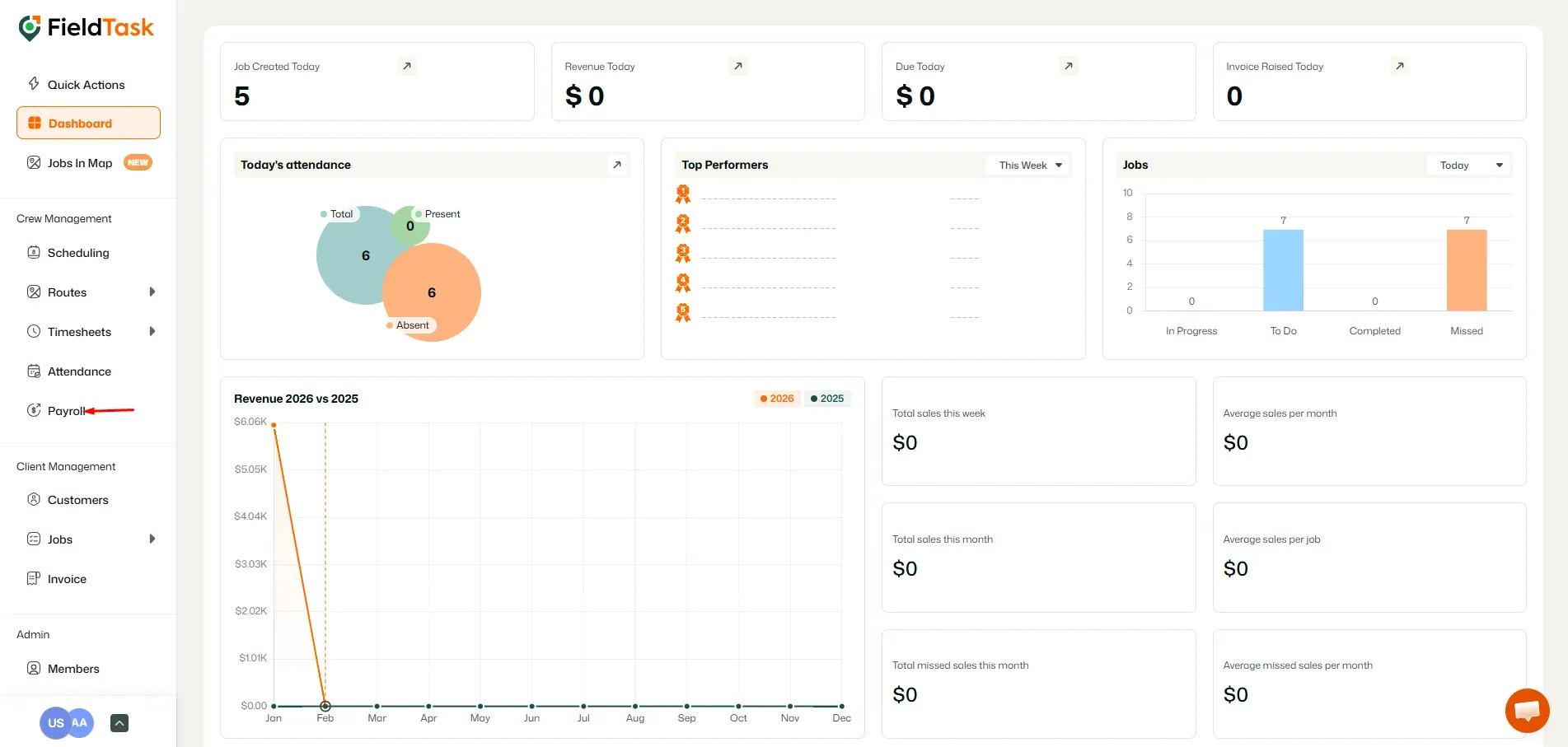
To send fixed pay on FieldTask, go to Payroll from the left side bar.
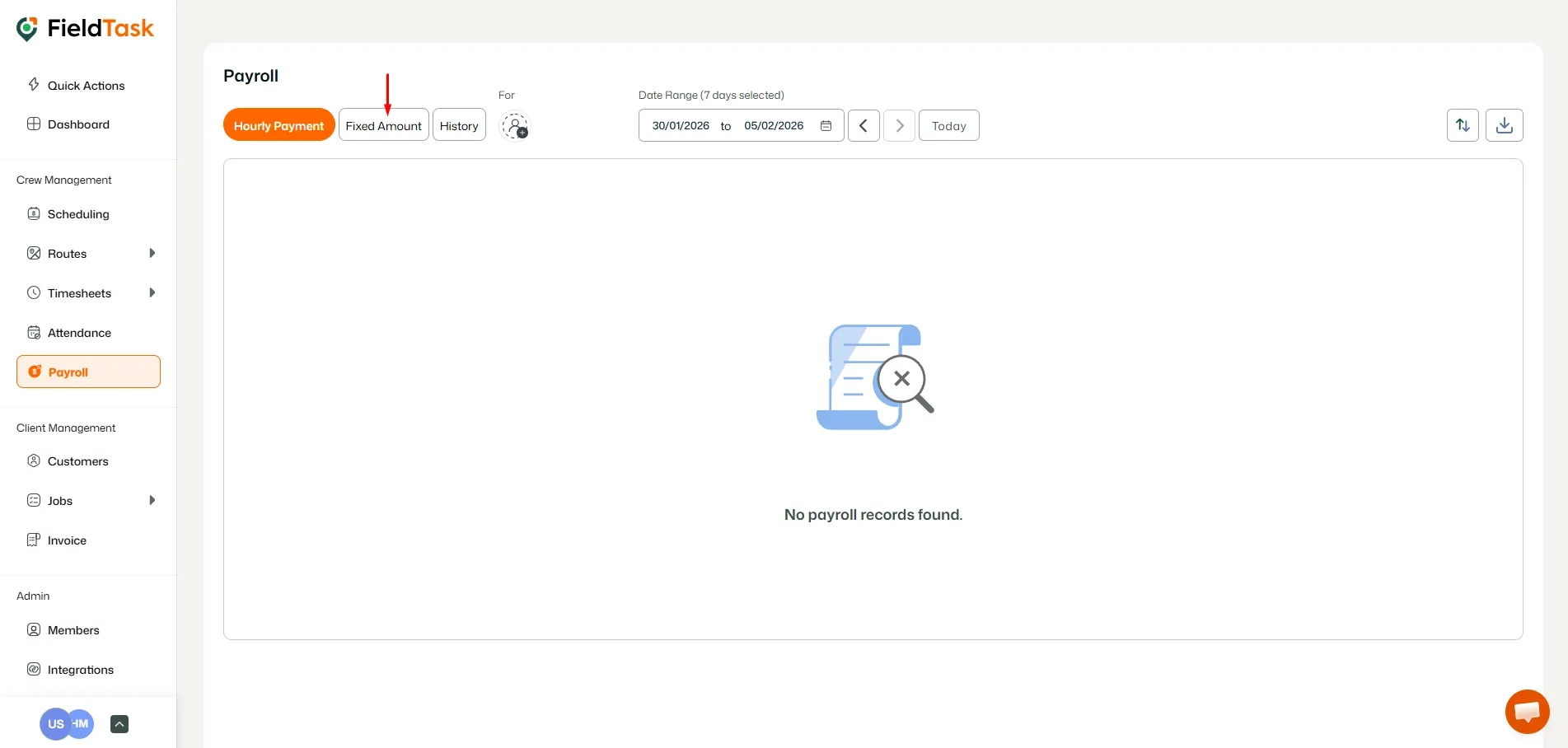
Click on the Fixed Amount section at the top.
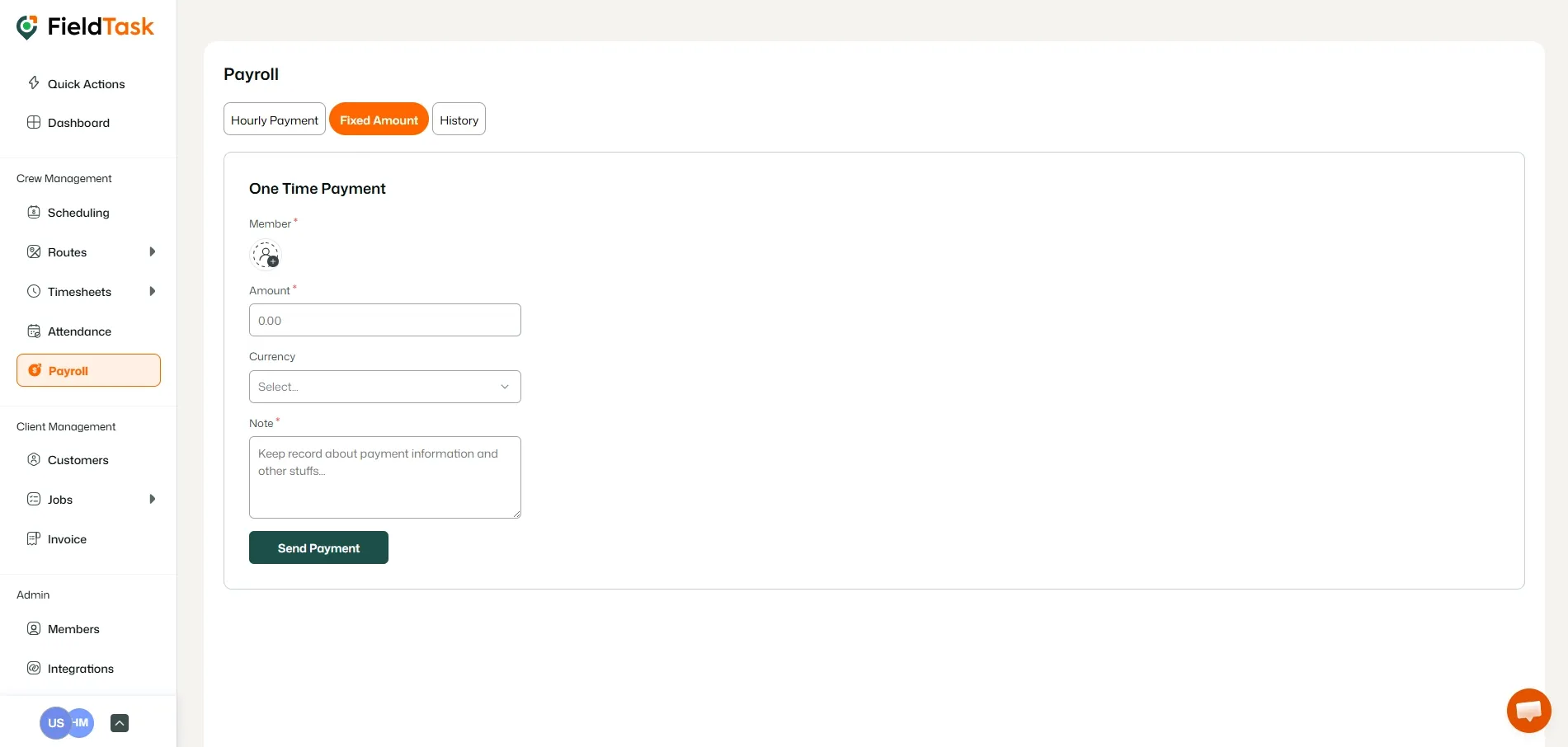
Fill the form and click Send Payment to send the Fixed Pay. The person you send it to will receive an email notification about it.
What to read next
No articles found at the moment.