Fundamentals
How to Optimise Route on FieldTask?
Updated on 19 Feb 2026
No image available
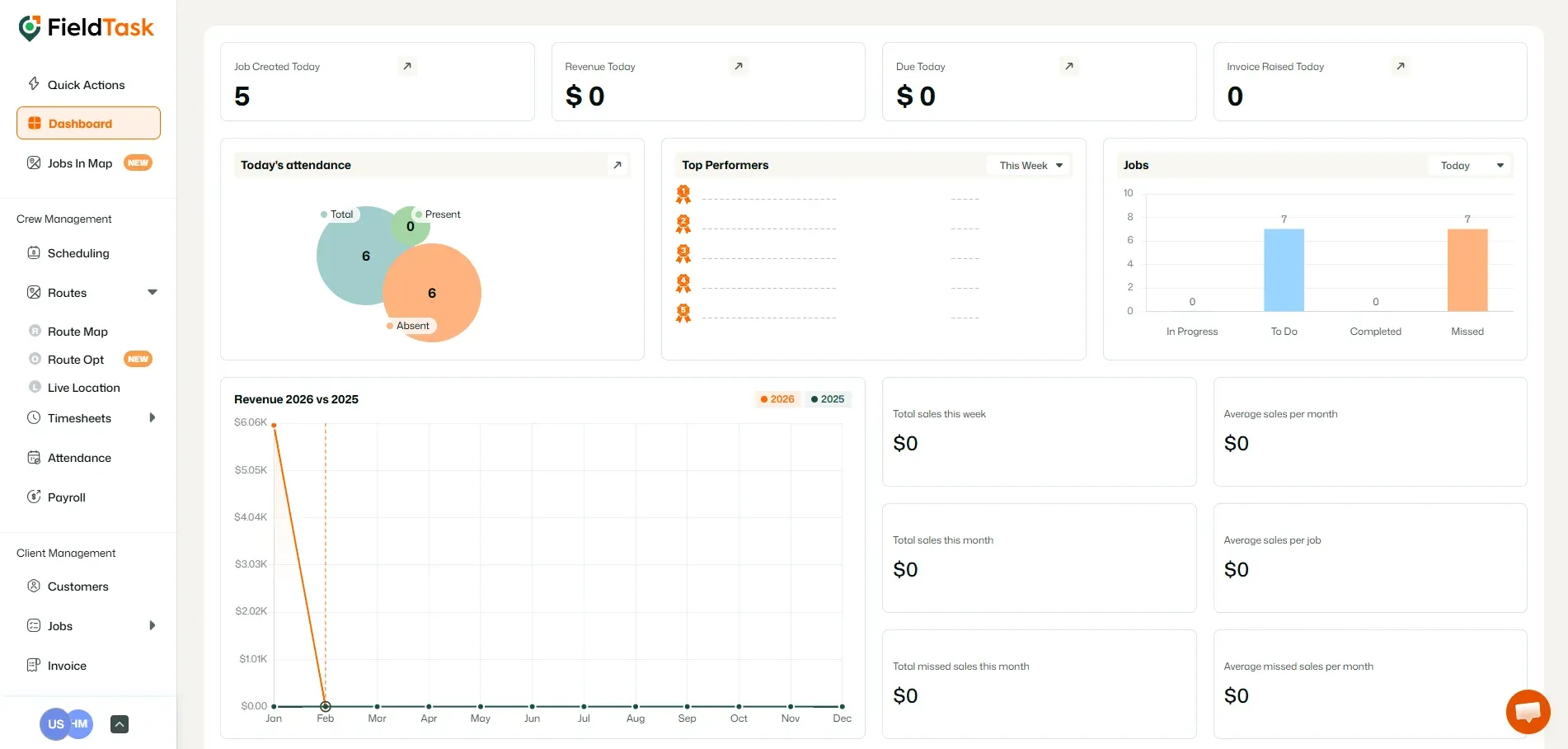
To optimize your route on Fieldtask, go to Route Opt under Routes on the Left Sidebar.
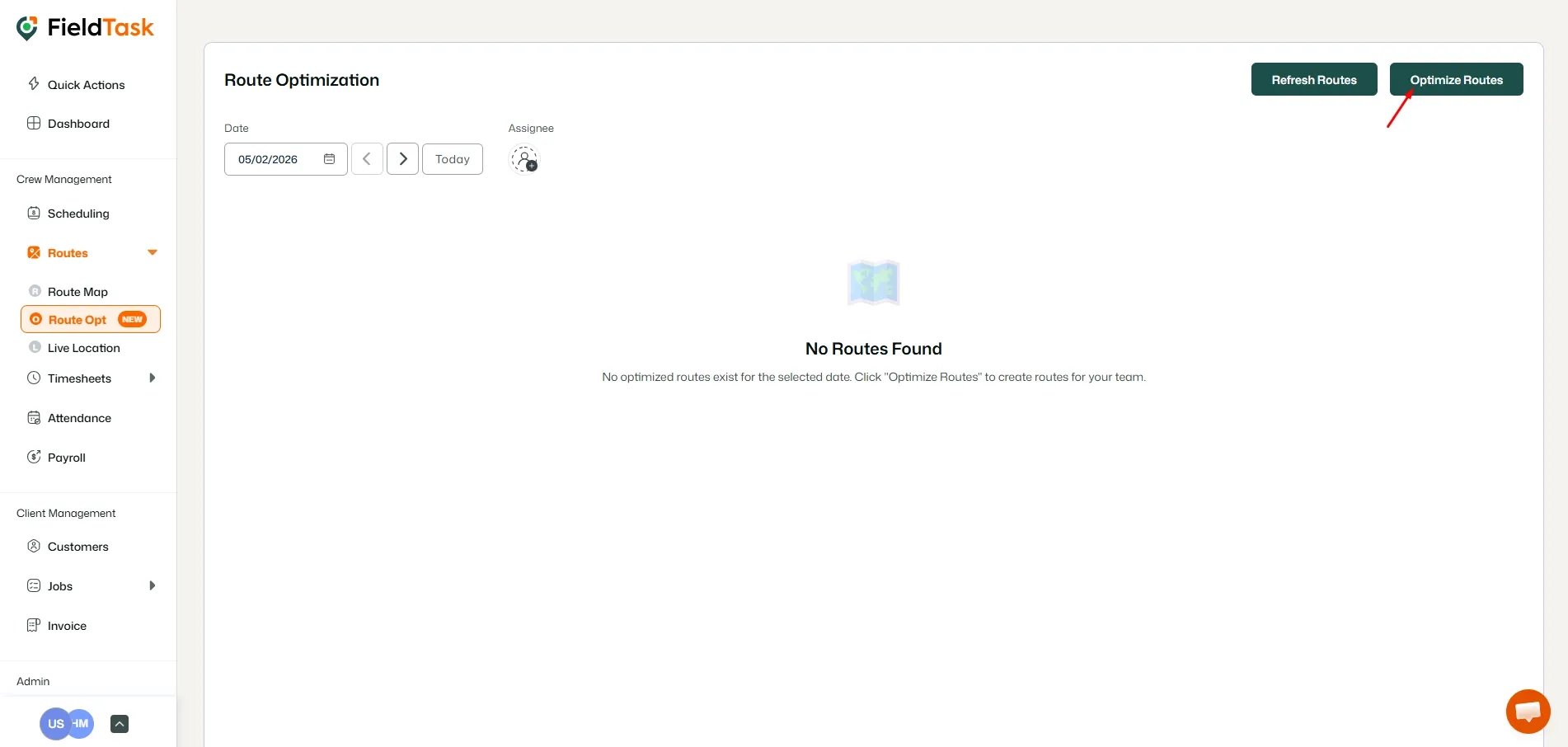
Click on the Optimize Routes button on the top right.
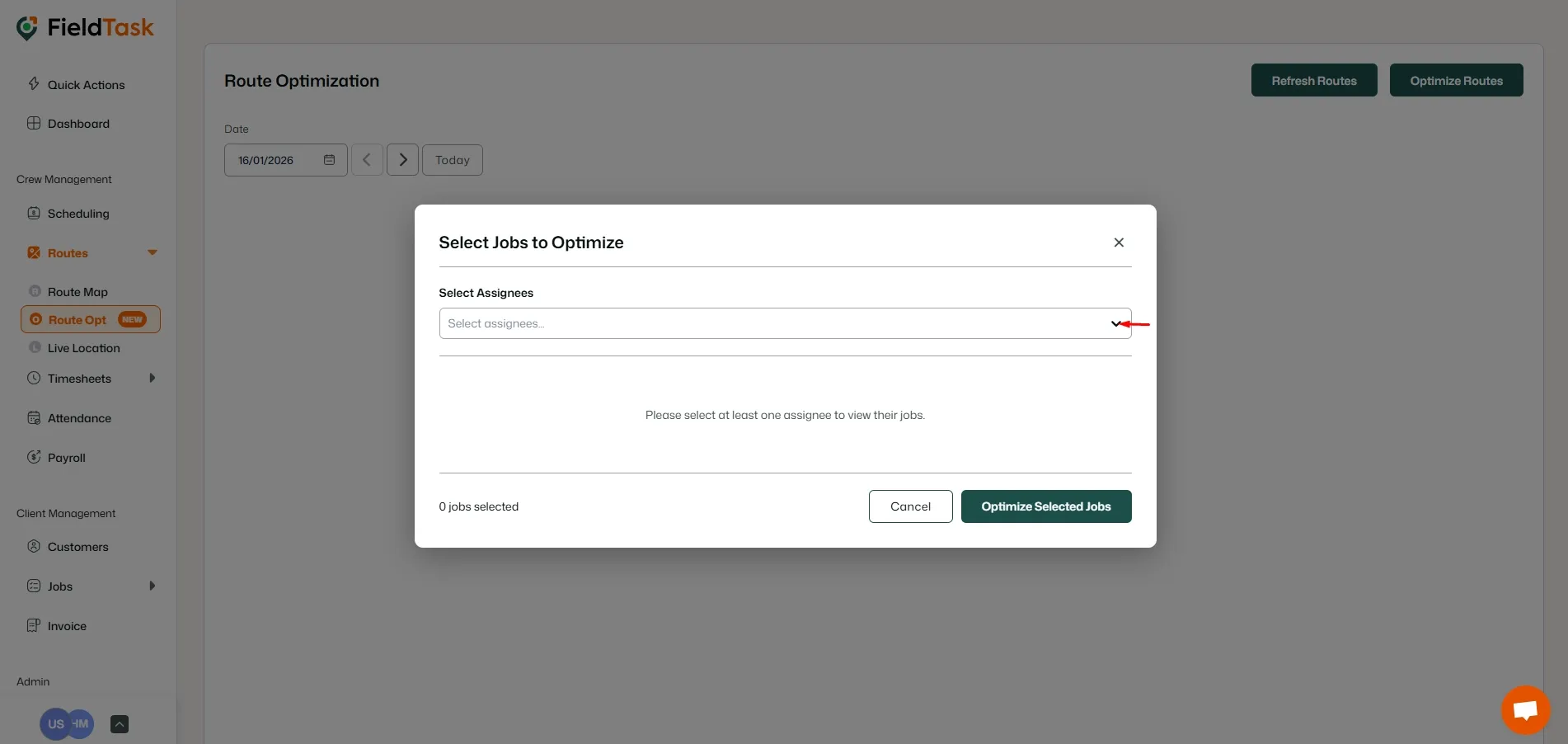
On the form that pops up, choose the assignee you want to optimize the route for.
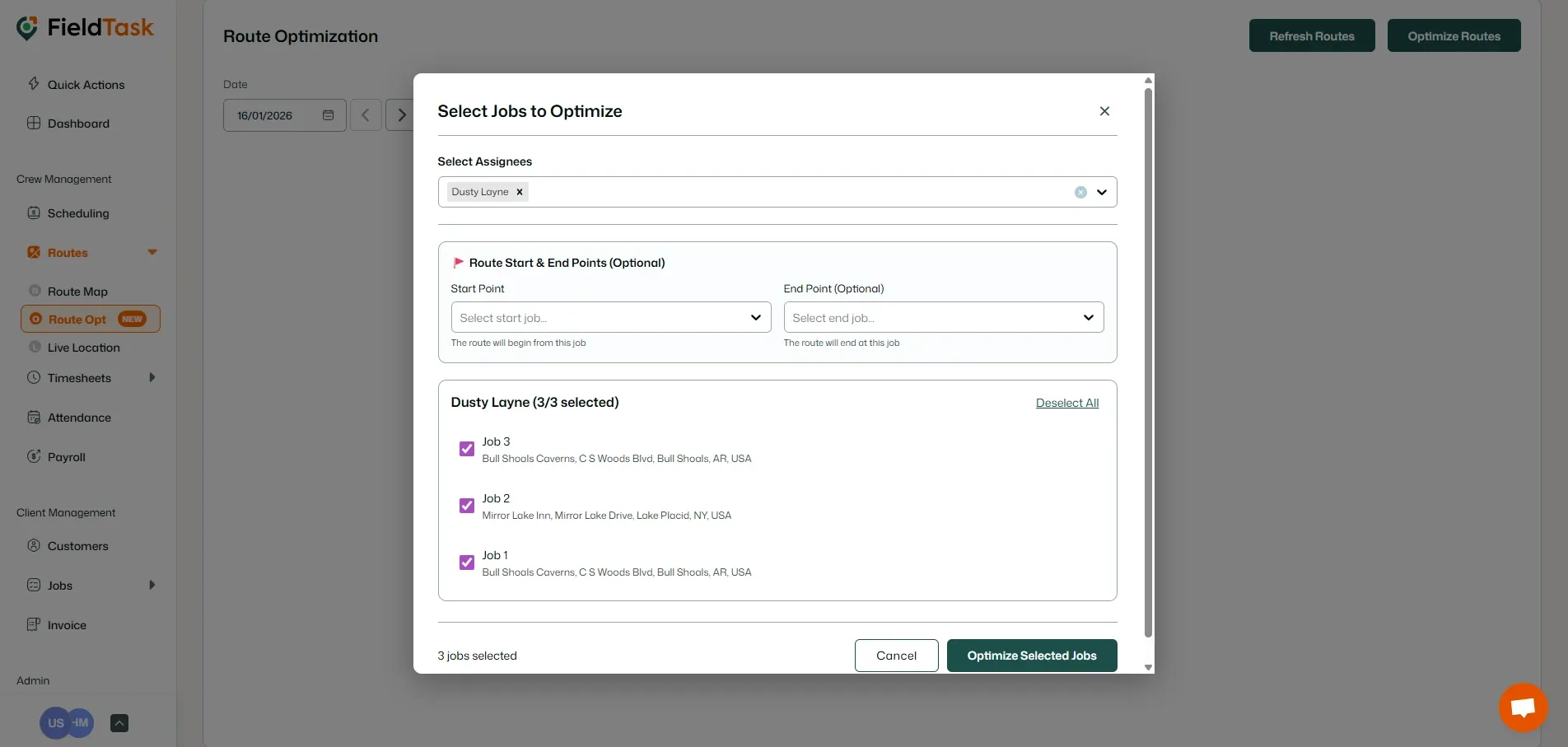
Choose the jobs you want to optimize the routes for, choose the start and end points, and click the Optimize Selected Jobs button.
Your route has been created. Clicking on the Map will show you your route.
What to read next
No articles found at the moment.