
If you've forgotten your password, don't worry! Resetting it is a simple process. Follow these steps to regain access to your account.
Navigate to the login page of our website. You will see an option that says 'Forgot Password?'. Click on it to proceed.
Input the email address associated with your account. Make sure it is correct to receive the reset link.
After submitting your email, check your inbox for a password reset email. If you don't see it, check your spam folder.
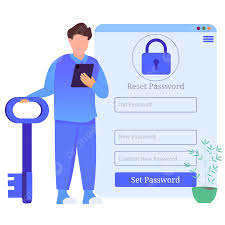
Click on the link provided in the email. This will take you to a secure page where you can set a new password.
Choose a strong password that you haven't used before. It should be at least 8 characters long and include a mix of letters, numbers, and symbols.
Re-enter your new password to confirm it. Once done, click on the 'Submit' button.
Your password has now been reset! You can log in with your new password. If you encounter any issues, feel free to contact our support team.