Fundamentals
How do I delete a customer from my FieldTask Organization?
Updated on 20 Feb 2026
No image available
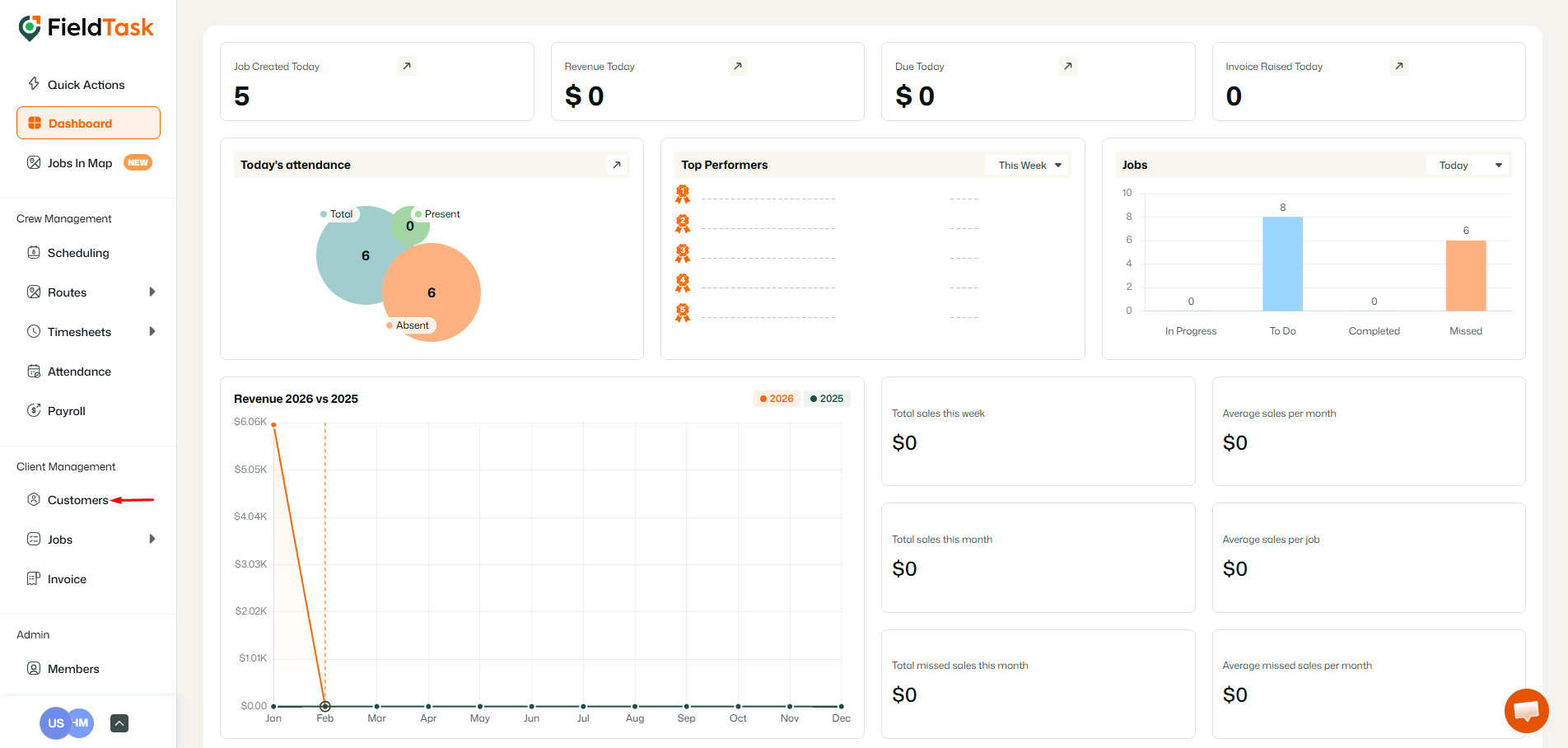
To delete a customer from your Organization, go to Customers tab from the left sidebar.
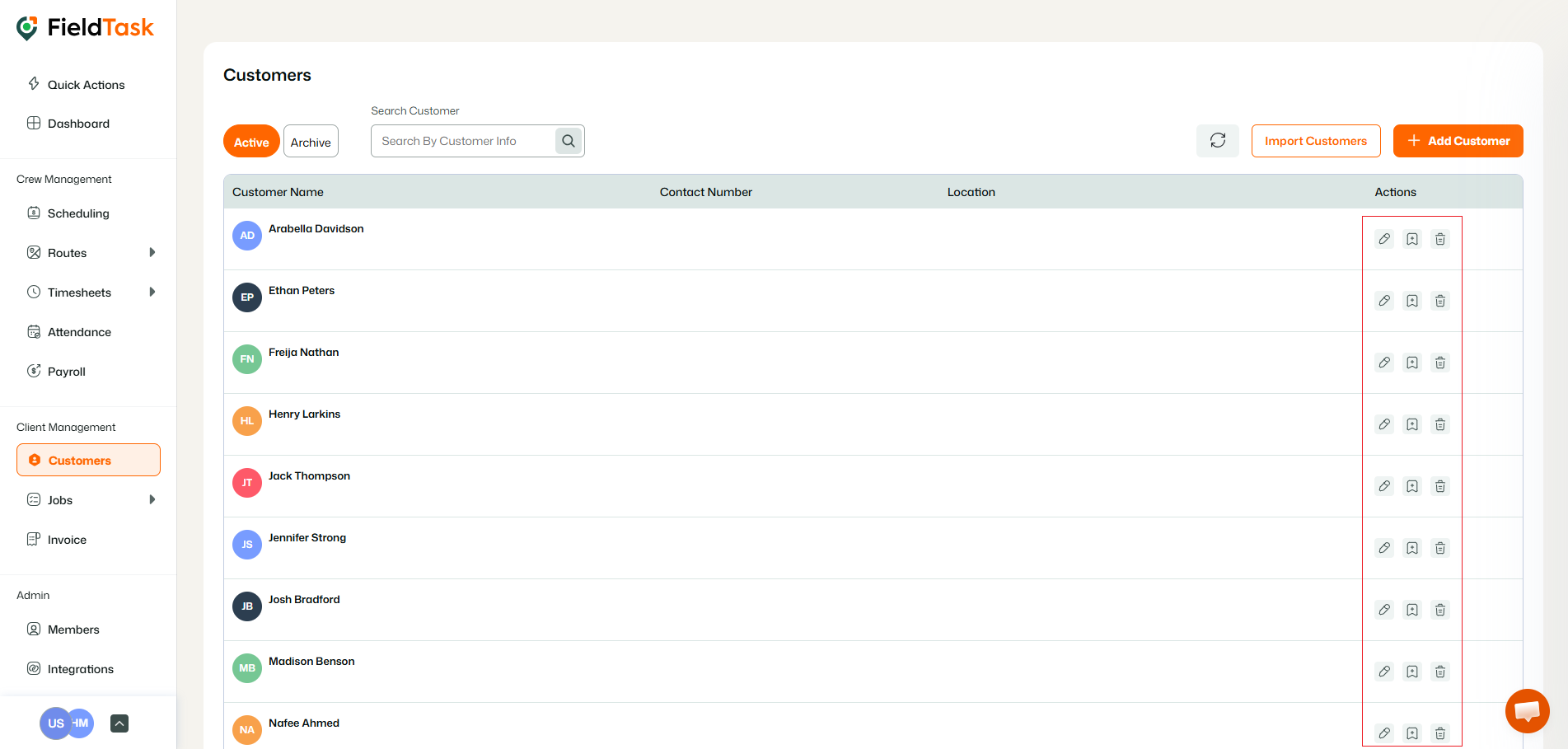
Click on the Delete button beside the customer of choice, below the actions column.
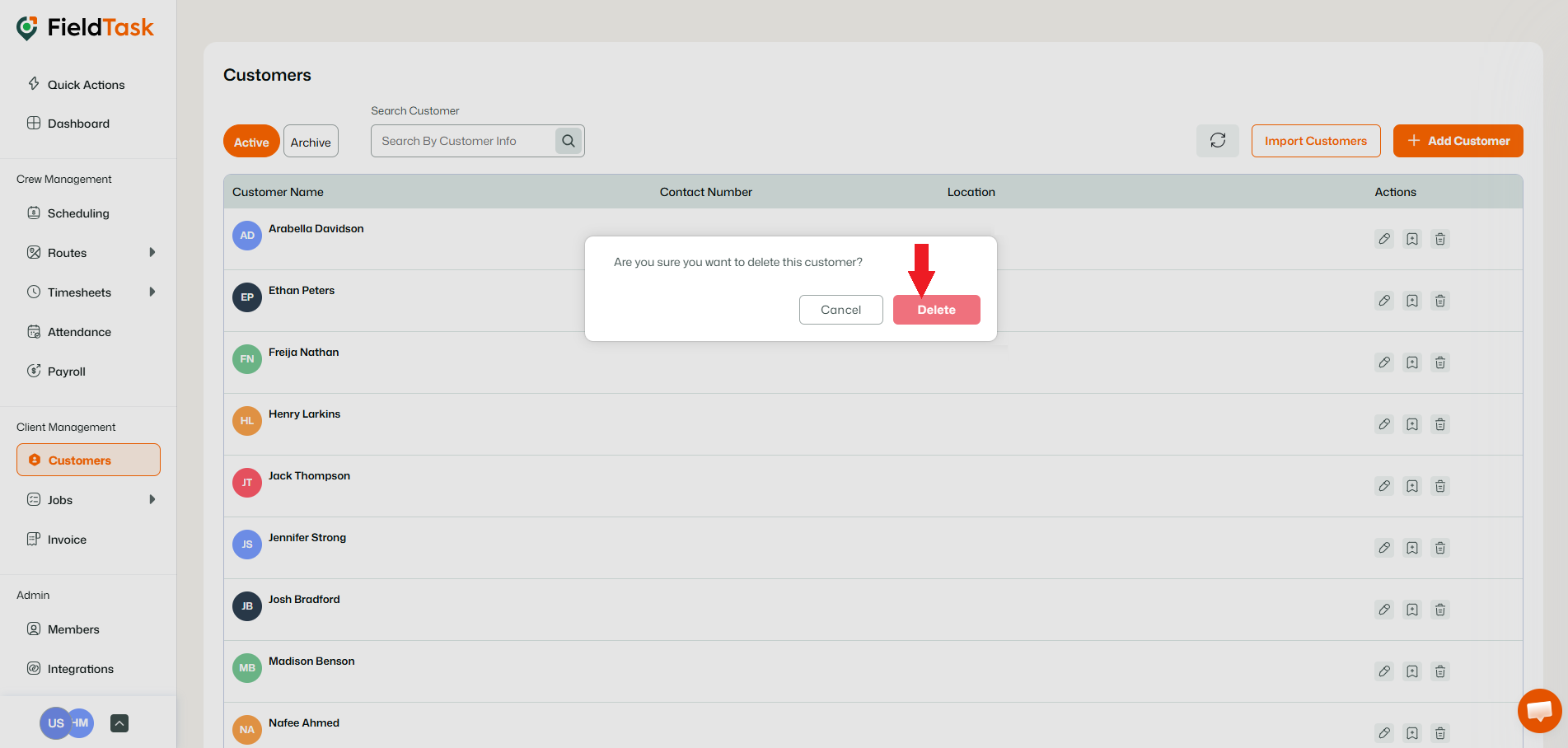
Confirm the delete by clicking on the delete option on the pop up.
What to read next
No articles found at the moment.