Fundamentals
Can I add multiple Locations to a single customer?
Updated on 19 Feb 2026
No image available
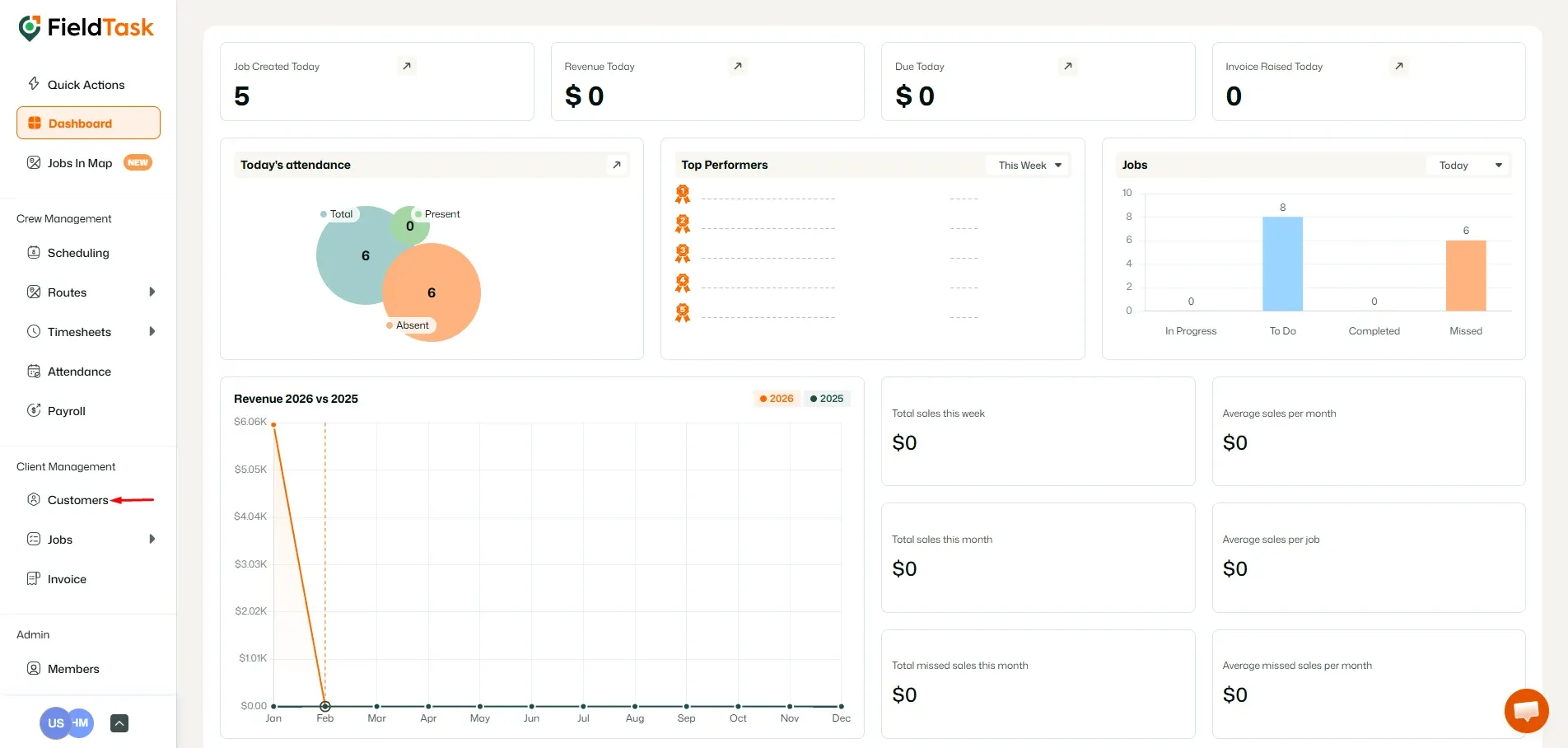
Yes, you can add multiple locations to a customer. To do that, go to Customers from the left-hand side.
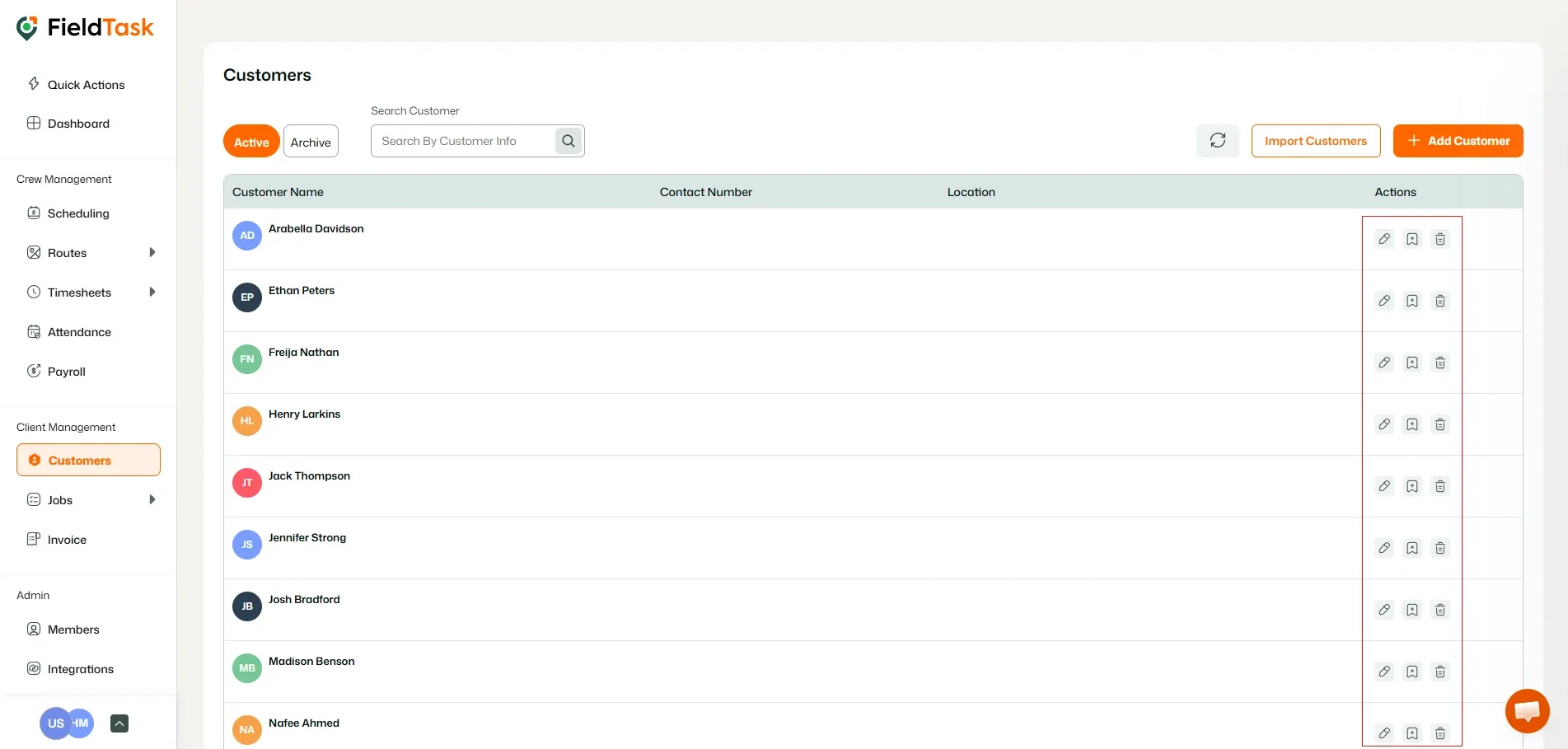
Choose the customer you wish to add another location to and click edit under the Actions column.
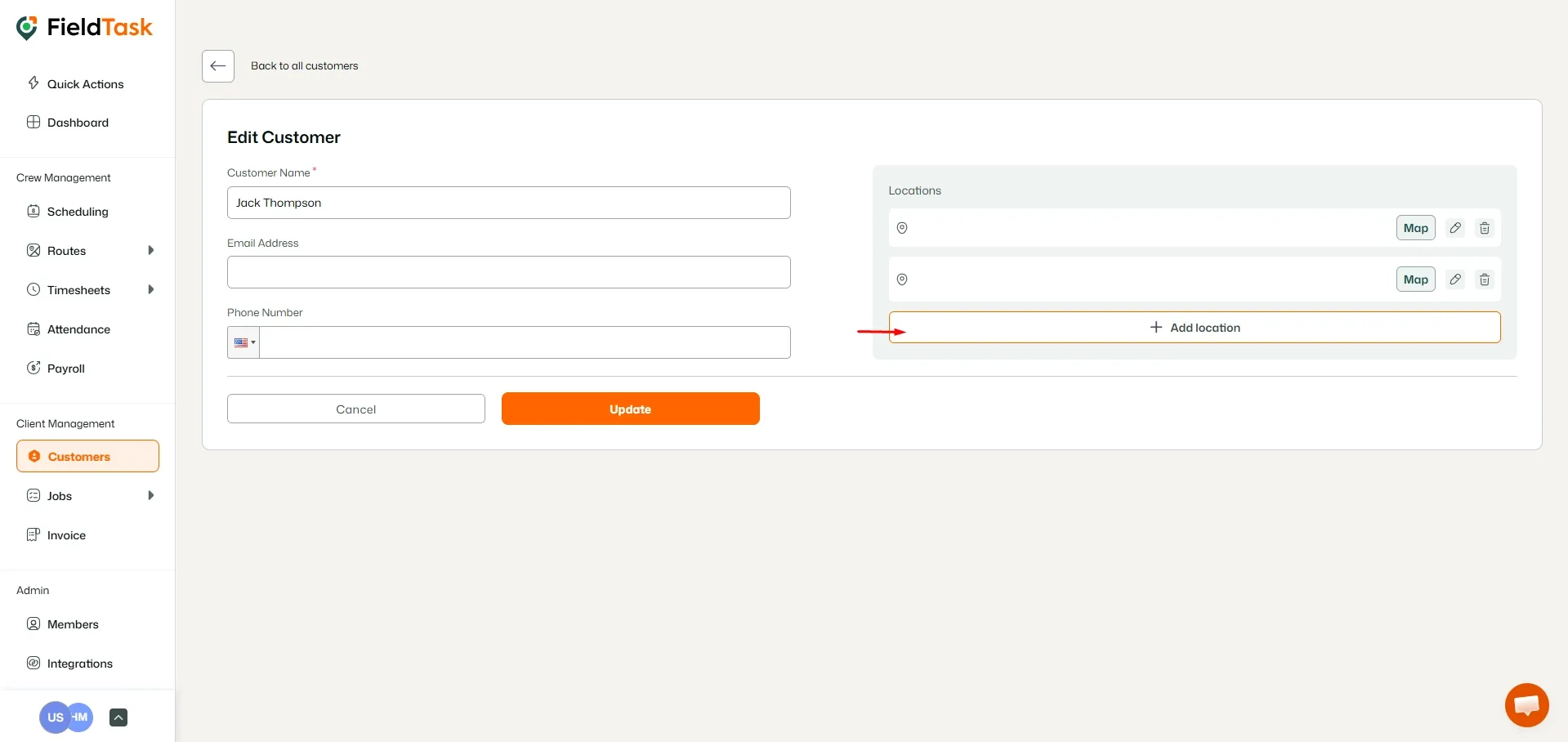
On the edit page, click on the Add Location button.
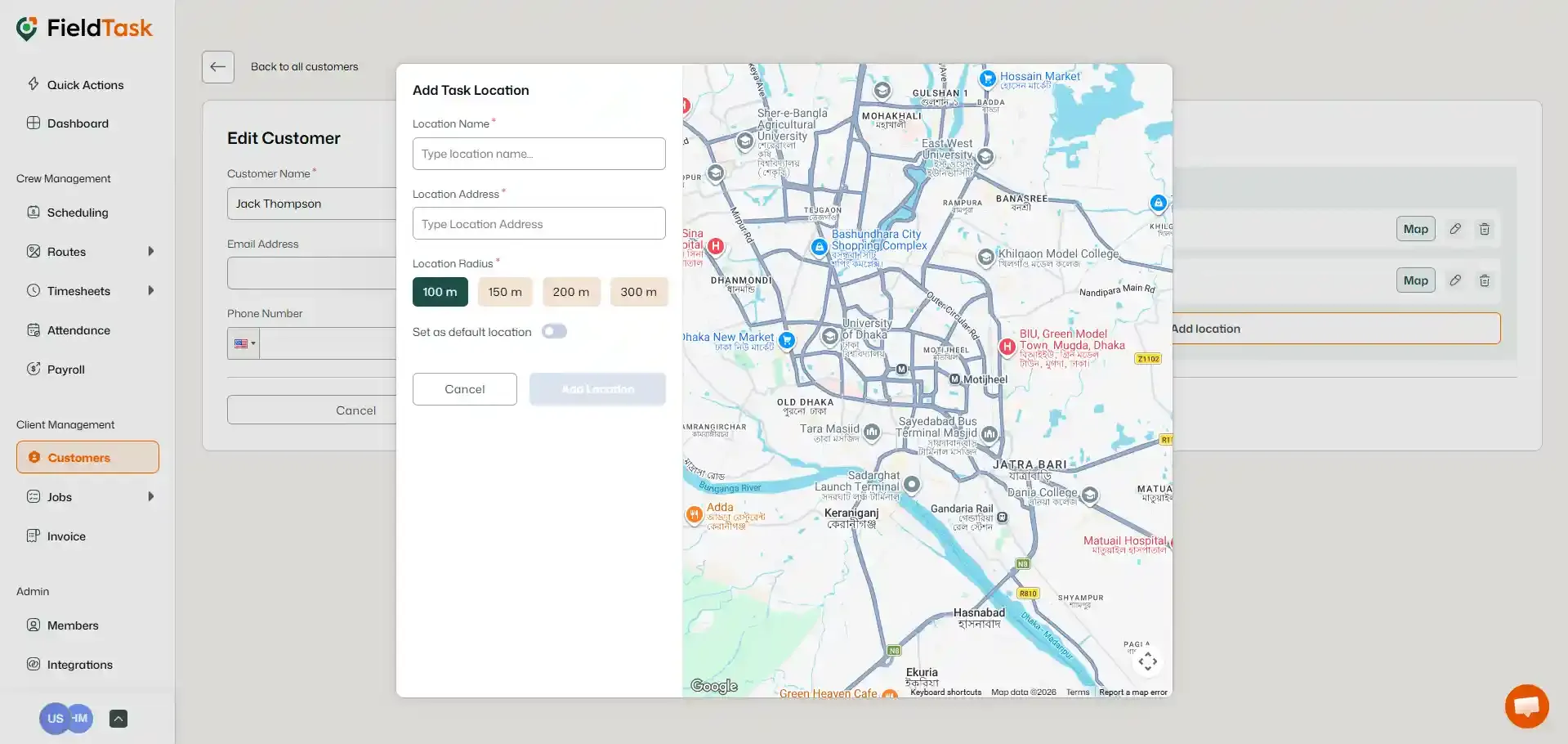
Provide:
- Location Name
- Location Address
- Location Radius
Click on Add Location to add it.
What to read next
No articles found at the moment.